Create a Bold Illuminated Back Wall
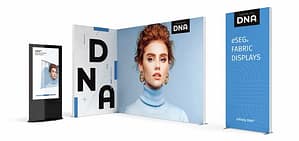
The simplest and most powerful way to use WaveLight® Air Wall Displays is as a full-width back wall.
Position the illuminated wall at the rear of your stand to create a striking focal point. Use high-resolution graphics featuring your core brand message, hero product, or campaign theme. The integrated LED lighting ensures colours remain vibrant and visible across the exhibition hall.
This approach works particularly well for 3m x 3m or 6m x 3m booths, giving your space structure and strong visual identity without complex construction.
Design a Branded Feature Zone
Instead of using the display as a simple background, consider creating a feature zone within your booth.
Place a WaveLight® Air Wall Display behind a product plinth, demo station, or interactive touchscreen. The backlit wall highlights the focal area and draws visitors directly toward it.
This design works well for product launches or technology showcases, where you want attention concentrated in one specific area of the stand.
Build a Semi-Private Meeting Area
In busy exhibition environments, having a quiet space for discussions can be valuable. WaveLight® Air Wall Displays can help you define a semi-private meeting zone.
Position one or two illuminated walls at angles to create a subtle enclosure within your stand. Add a small table and seating, and you instantly have a dedicated area for in-depth conversations with potential clients.
The backlit branding reinforces professionalism while the structure provides visual separation from surrounding booths.
Create a Step and Repeat Media Backdrop
Exhibitions are increasingly driven by social media and live content. A branded media backdrop can extend your reach beyond the event floor.
Use a WaveLight® Air Wall Display with repeating logos or campaign messaging to create a photo-ready background. Encourage visitors to take pictures, host interviews, or film short promotional videos in front of the illuminated wall.
The consistent lighting ensures photos look polished, which strengthens brand presentation across digital channels.
Design a Corner Booth with Dual Visibility
If you secure a corner stand, maximise visibility by positioning WaveLight® Air Wall Displays on two open sides.
This L-shaped configuration ensures your illuminated graphics are visible from multiple aisles. It increases exposure and captures attention from different angles.
For Australian trade shows with high foot traffic, dual visibility can significantly improve engagement rates.
Combine Multiple Walls for a Larger Impact
For larger exhibition spaces, consider combining multiple WaveLight® Air Wall Displays to create a continuous illuminated backdrop.
By aligning walls side by side, you can form a wide branding canvas that spans the entire rear of your booth. This creates a premium look similar to custom-built stands but with greater flexibility and lower complexity.
This approach is ideal for national expos or industry conferences where a strong presence is essential.
Integrate Product Shelving or Counters
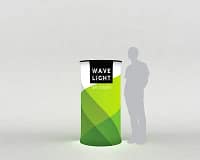
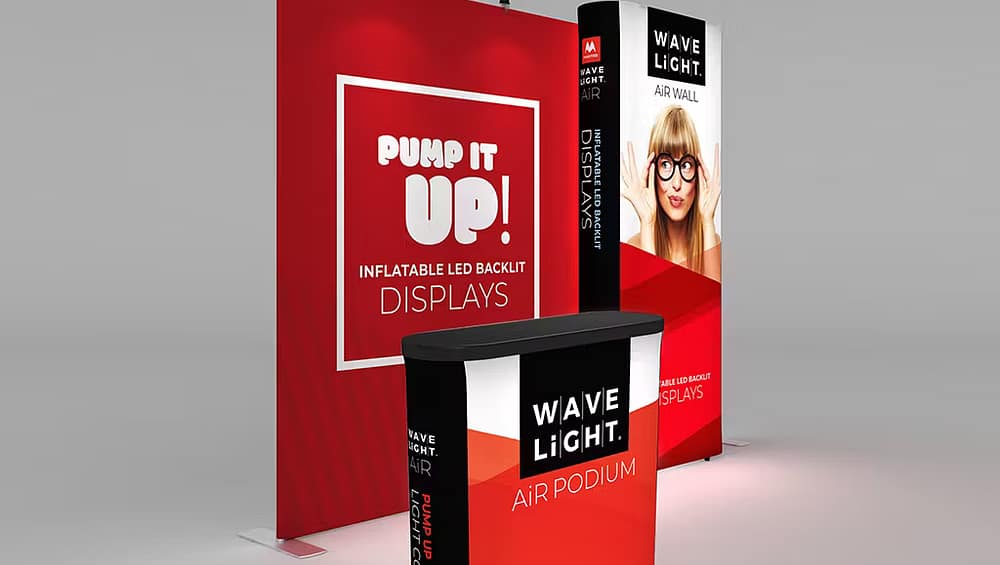
WaveLight® Air Wall Displays work beautifully when paired with counters, podiums, or display shelving.
Place branded counters in front of the illuminated wall to create layered depth within your booth. The lighting enhances the products displayed in front, making them more visually appealing.
This layered design approach creates dimension and avoids a flat or cluttered layout.
Flexible Designs for Multiple Events
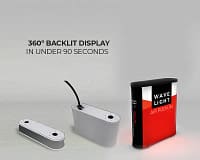
One of the greatest design advantages of WaveLight® Air Wall Displays is adaptability. Because the system is inflatable and available in various sizes, you can adjust layouts to suit different booth dimensions across Australia.
Reuse the same wall in a simple back wall layout at one event, then reposition it as a feature divider or corner display at another. This flexibility ensures your booth design evolves without requiring new hardware each time.